Managed hosting for WordPress, Moodle and Laravel, priced in rand.
Your sites and applications, with backups, domains, mail, SSL and encrypted volume storage available. Choose a size, see the monthly price up front, and change it as you grow.
Install WordPress or Moodle by name, or deploy Laravel, Node, Ruby, Go, Rust or .NET from your own source, each with its own database.
Domains, mail, backups and security
Connect your domains, run mailboxes and restore a backup yourself. Hosting supports encrypted file and database volumes, and you can add an authenticator app, a passkey or recovery codes — or require two-factor sign-in for a whole company.
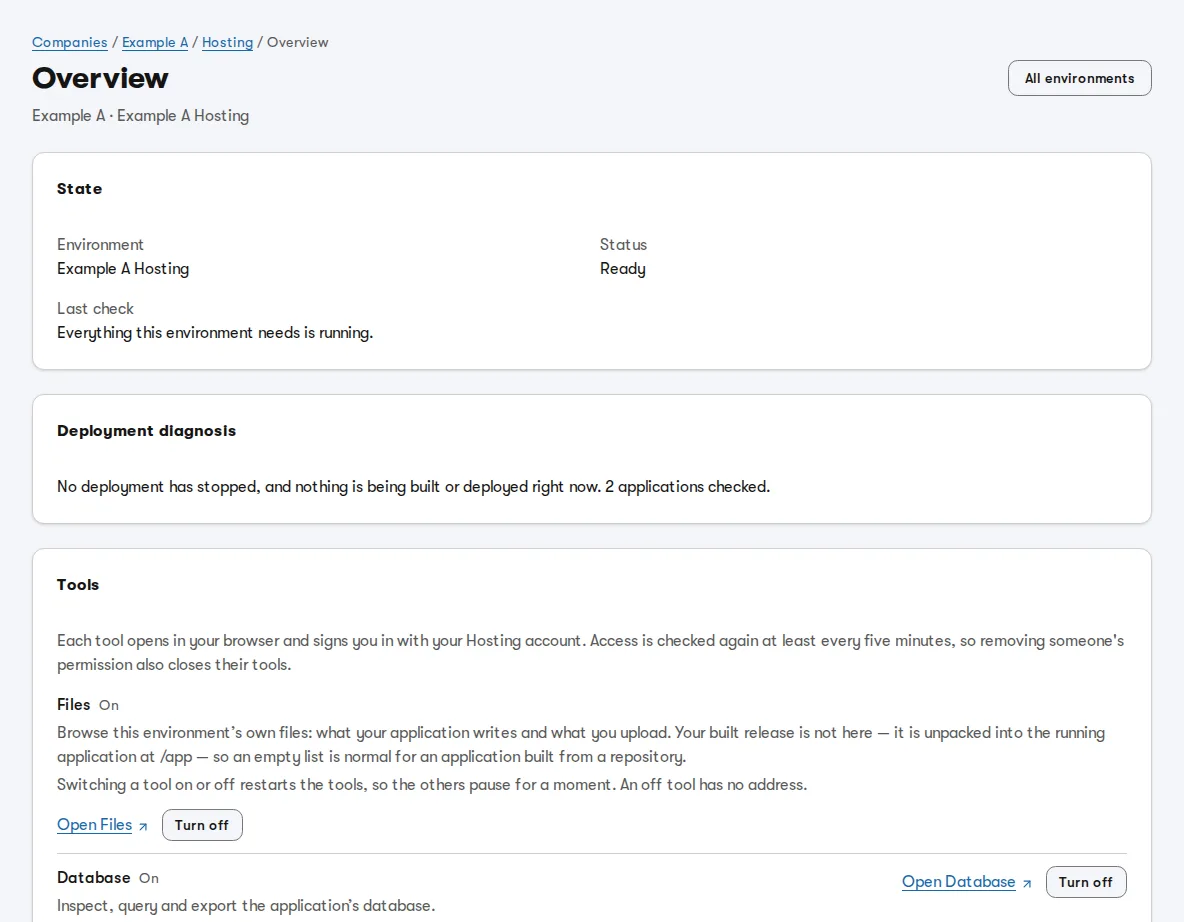
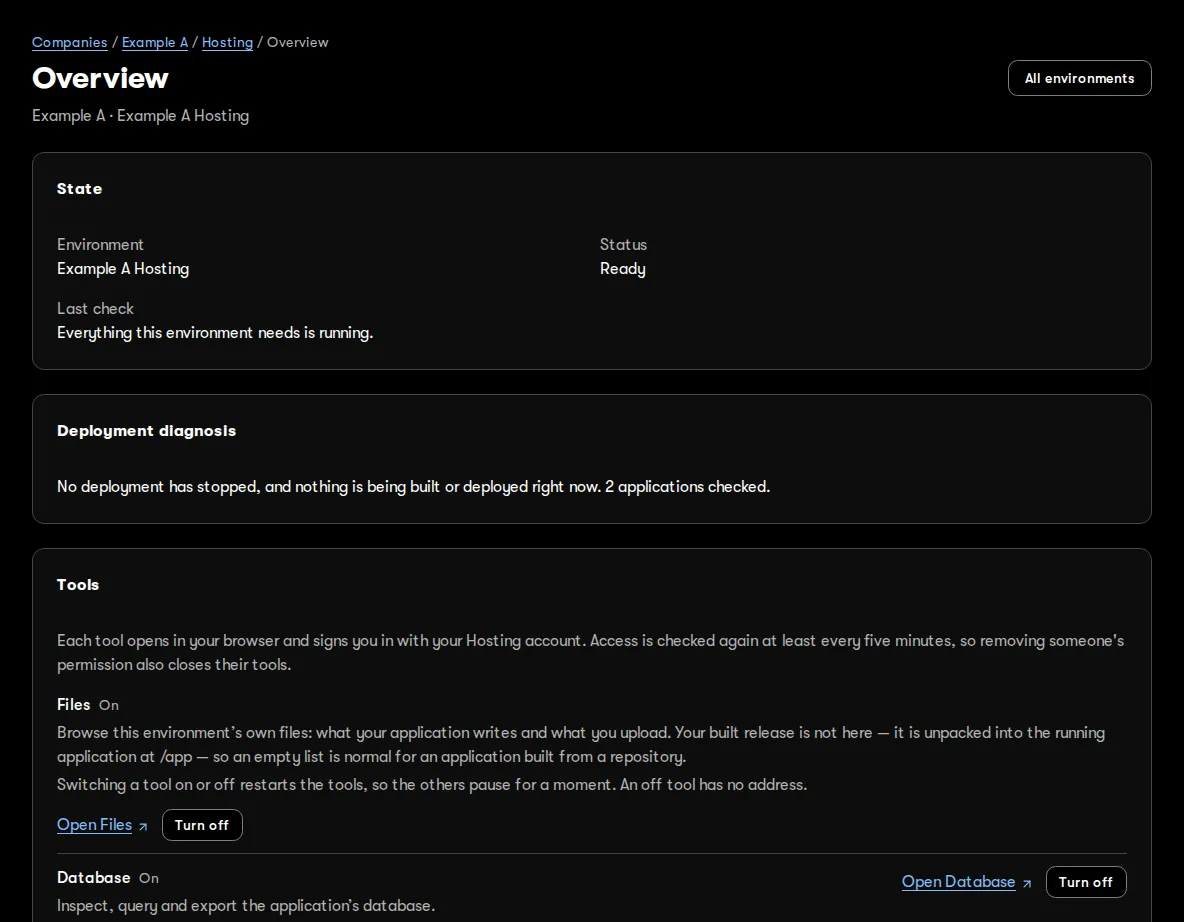
Every environment shows whether it is running and what was last checked.
Buy capacity, allocate it, watch it become real.
Choose what you need
Pick your applications and services. Hosting checks the whole allocation against your capacity pool before it changes anything.
We handle the setup
Hosting prepares storage, starts your workloads and checks readiness. If an allocation does not fit, it says why.
Yes. These figures come from the same price book the invoice uses. A reviewed quote or company agreement can set a different price for a specific client, and where one exists that price applies.
What is a “unit”?+
One unit is 4 vCPU, 4 GiB of memory and 40 GiB of NVMe. The units you buy form your company’s pool, and each environment is an allocation from it, so a larger pool can be split between environments. One unit typically runs one environment, which can hold several applications. Dividing your pool does not change its monthly cost.
Do you charge for traffic or CPU usage?+
Not for capacity you have bought — it is yours to use. The exception is object-storage downloads above what your allocation includes: those are charged per block, up to the monthly ceiling you set. We do ask that use stays fair to everyone sharing the platform; if something looks wrong, we contact you first. Our acceptable use policy has the details.
Can I cancel?+
Yes, in any month. You choose the date service ends under your environment's Settings → Cancellation, and a partial month is prorated to the days you held the capacity. Your data stays recoverable for the retention period you accepted.
A strong start for your next project.
Start with Professional, our recommendation for most projects, or choose Premium for extra headroom. Create an account, then choose and confirm the capacity you need.
No card needed to create an account. Prices are published, so there is no quote to wait for.